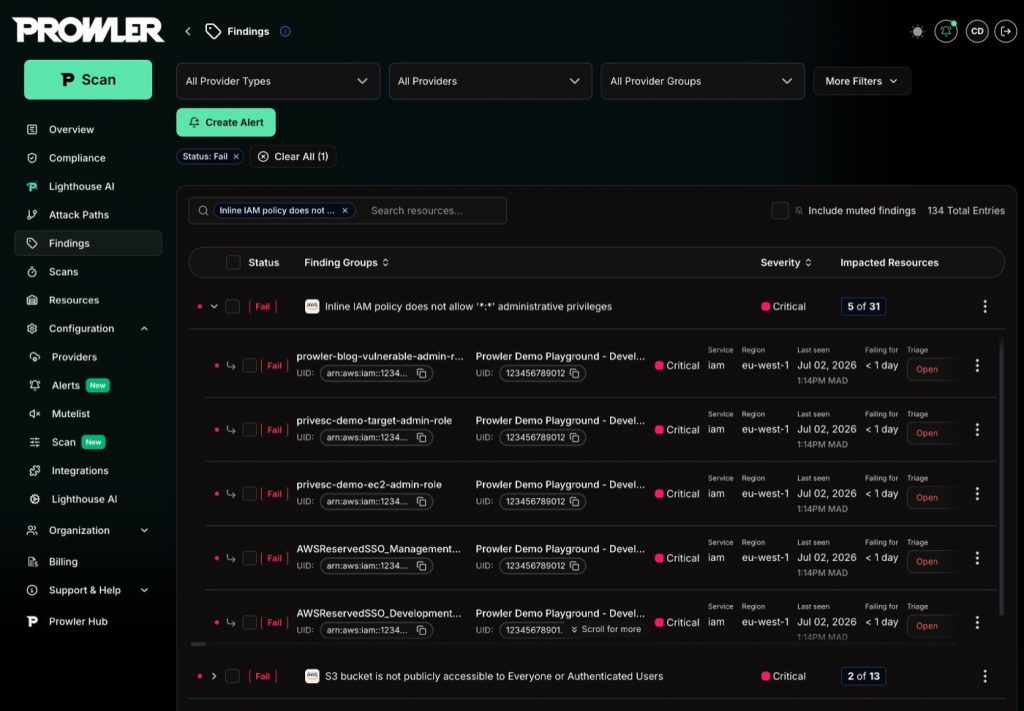
Prowler is an open-source security tool for assessing cloud environments against benchmarks such as the CIS AWS Foundations. This guide plans a cloud review, creates a least-privilege audit role, runs Prowler against AWS, and turns hundreds of results into a prioritised remediation plan.
Run Prowler only against accounts you own or are authorized to assess, with read-only credentials. Even read-only enumeration should be agreed in writing.
Plan the assessment
Decide which accounts and regions are in scope, which framework you are measuring against (CIS, NIST, PCI, your own baseline), and who receives the report. A cloud review is a configuration audit, not an intrusion — the output is a list of misconfigurations ranked by risk.
Installation
# pip (Python 3.9+)
pip install prowler
prowler --version

# or Docker
docker run -it --rm toniblyx/prowler:latest aws --help
Least-privilege audit credentials
Prowler needs read and list access. AWS provides two managed policies that cover almost everything: SecurityAudit and ViewOnlyAccess. Create a dedicated role or user with exactly those and nothing more.
# Configure a dedicated profile with the audit credentials
aws configure --profile audit
# Attach SecurityAudit + ViewOnlyAccess to that principal in IAM
Running Prowler
# Full assessment with a named profile
prowler aws --profile audit

# Measure against a specific benchmark
prowler aws --profile audit --compliance cis_3.0_aws

# Limit regions and services to keep it focused
prowler aws --profile audit --region eu-west-1 --service s3 iam ec2
Output and evidence
# Machine-readable outputs for the report and for tracking over time
prowler aws --profile audit \
  --output-formats csv json-ocsf html \
  --output-directory ./prowler-out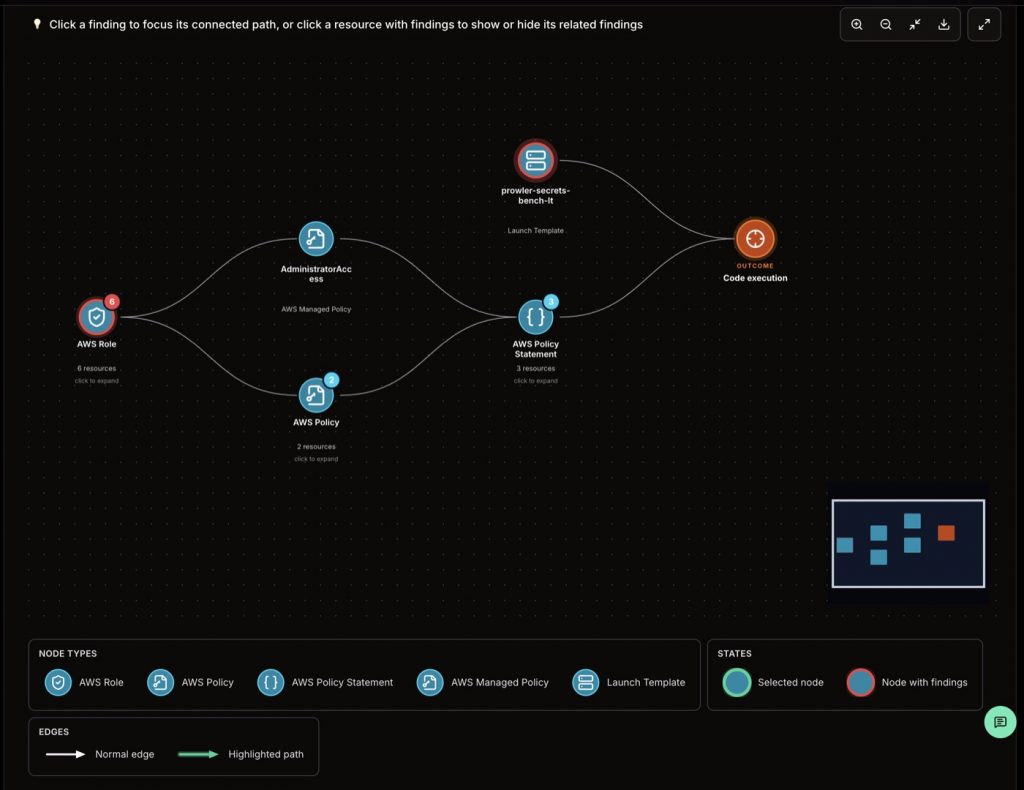
Turning results into a plan
A first run can produce hundreds of findings. Prioritise:
- Internet-exposed, high severity first — public S3 buckets, security groups open to
0.0.0.0/0on sensitive ports, public RDS. - Identity and access — root account usage, missing MFA, over-privileged policies, long-lived access keys.
- Logging and detection — CloudTrail disabled in a region, no Config, missing GuardDuty.
- Encryption — unencrypted volumes, snapshots and buckets.
- Everything else, grouped by service owner so fixes can be delegated.
Record accepted risks with justification and a review date. Re-run Prowler after remediation to measure progress — the machine-readable output makes before/after comparison easy.
Beyond AWS
Current Prowler versions include providers for Azure, Google Cloud, Kubernetes and Microsoft 365, each with its own checks and compliance mappings:
prowler azure --az-cli-auth
prowler gcp --project-ids my-project
prowler kubernetes --context my-cluster
Key takeaways
- Use a dedicated role with
SecurityAudit+ViewOnlyAccess— nothing more. - Measure against a named benchmark (e.g. CIS) so findings have authority.
- Prioritise internet-exposed and identity findings before the long tail.
- Save machine-readable output to track remediation over time and across accounts.
Frequently asked questions
Do I need AWS permission to run Prowler?
Yes. Prowler needs read-only credentials (SecurityAudit and ViewOnlyAccess managed policies plus a few extra read permissions) in an account you own or are authorized to assess.
Does Prowler support Azure and GCP?
Yes. Current Prowler versions include providers for AWS, Azure, Google Cloud, Kubernetes, Microsoft 365 and more, each with its own checks and compliance mappings.

PentestWiki Team
The pentestwiki.org editorial team: practising penetration testers, red teamers and smart contract auditors who write, test and peer-review every tutorial before publication.